

- Add widgets
- Survey Comparison
- Heatmap
- Confidentiality Settings
- eNPS in Workforce Analytics Portal
- Notes Widget
- Text Analysis Widget
- Response rate
- Text Report
- Trend analysis widget
- Show/hide Markers and Building blocks
- Question Filter
- Single Question Widget
- Heatmap default
- Sentiment analysis
- Scorecard
- Driver analysis
- Scorecard: All options view
- Heatmap Column Types
- Multiple Tabs in a Dashboard
- Tab Exports
- AI Summary and Recommendations
- 360 feedback introductory text
- 360 feedback display configurations
- 360 feedback display labels
- Multi Level Priority Logic
- 360 Surveys- Priority Model
- 360 feedback - skip logic
- 360 feedback - show hide question logic
- 360 Survey Settings
- 360 feedback configuration
- Customize the validation text
- 360 Survey design
- 360-Reorder section
- 360 Section Type - Single Select Section
- 360 Delete Sections
- 360 Add Sections
- 360 section type - Free responses text section
- 360 Section Type - Presentations text section
- 360 Section-Edit Configurations
- 360 Survey- Languages
- Matrix section

Multiple Tabs in a Dashboard
The Multiple Tabs in a Dashboard feature allows you to seamlessly integrate and organize multiple data views within a single dashboard interface. Instead of creating completely separate dashboards for different data representations (such as comparing overall company insights against department-specific segments like Sales or Marketing), you can now build up to 15 independent tabs inside one dashboard unit. Each tab acts as an independent workspace maintaining its own widget layouts and tab-level filters, giving you a clutter-free environment and a highly streamlined data discovery process.
Watch this video for a quick overview of Multiple tabs in the EX Portal:
Click to download the videoManaging tabs within your dashboard is intuitive and can be done entirely from the bottom navigation bar of your workspace:
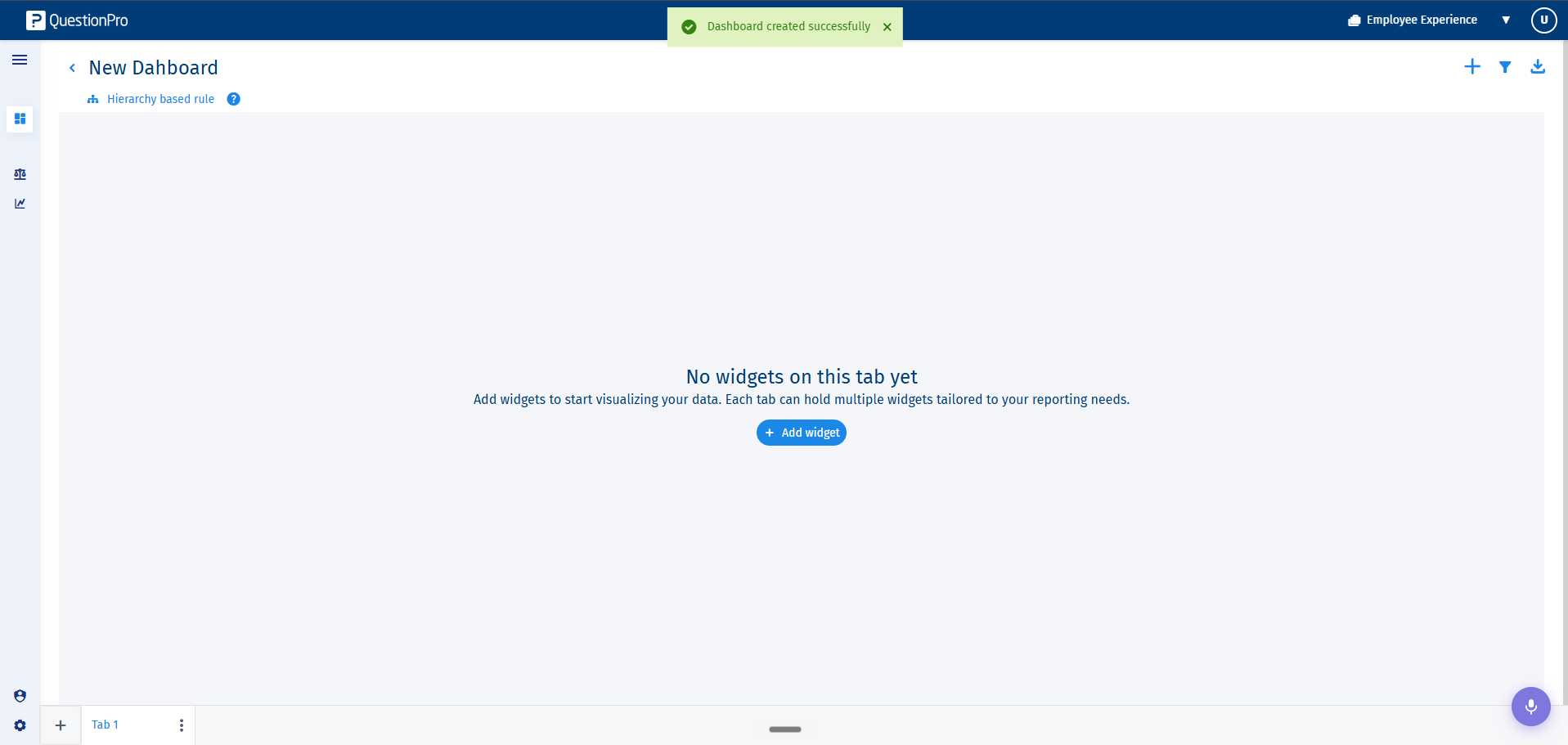
- Creating a Tab: When you create a new dashboard, Tab 1 is generated automatically by default. To add additional views, click the "+" icon located next to your existing tabs. You can create a maximum of 15 tabs per dashboard. Once this limit is reached, the icon will be disabled.
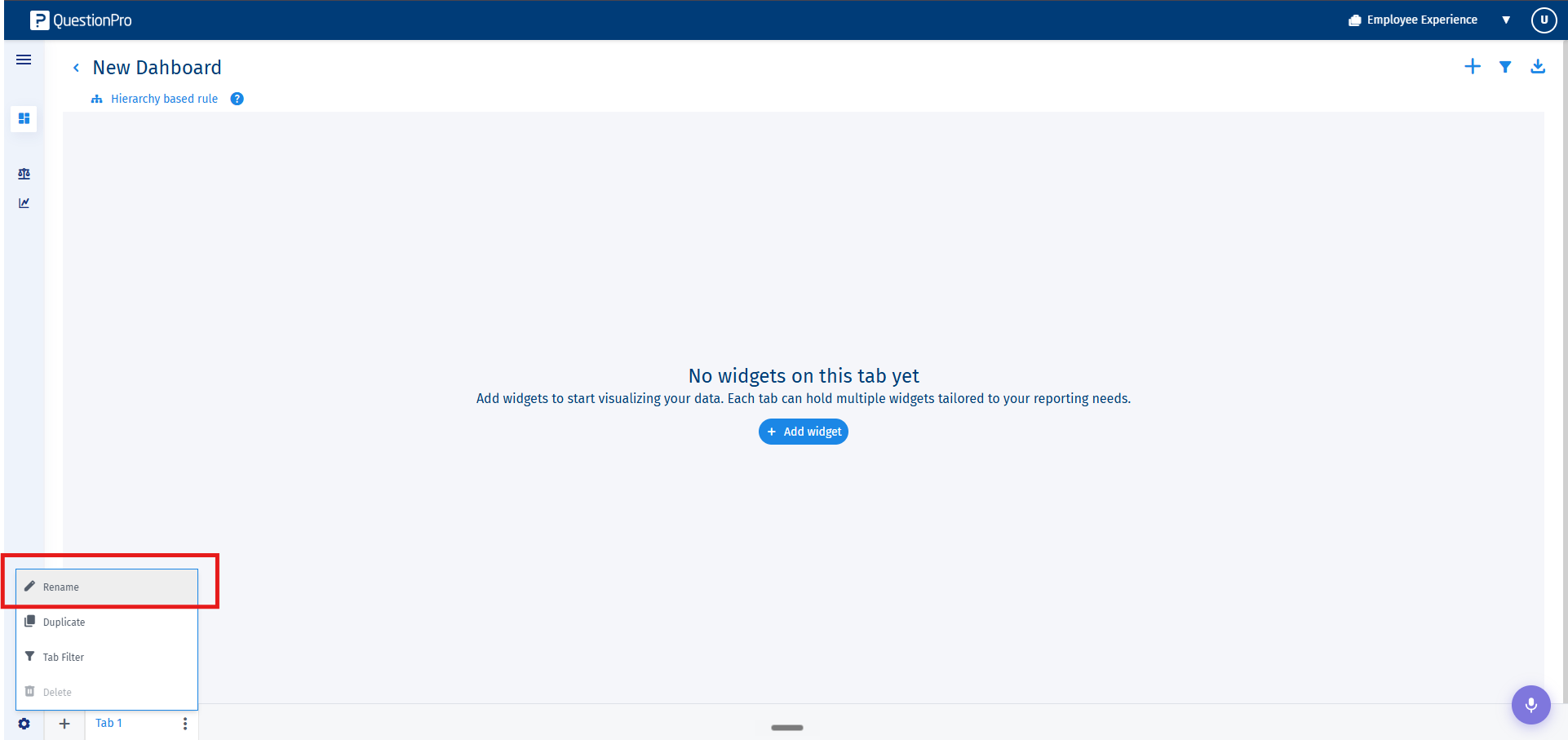
- Renaming a Tab: You can rename a tab by double-clicking directly on the tab text name and typing your new title, or by selecting Rename from the 3-dot kebab menu.
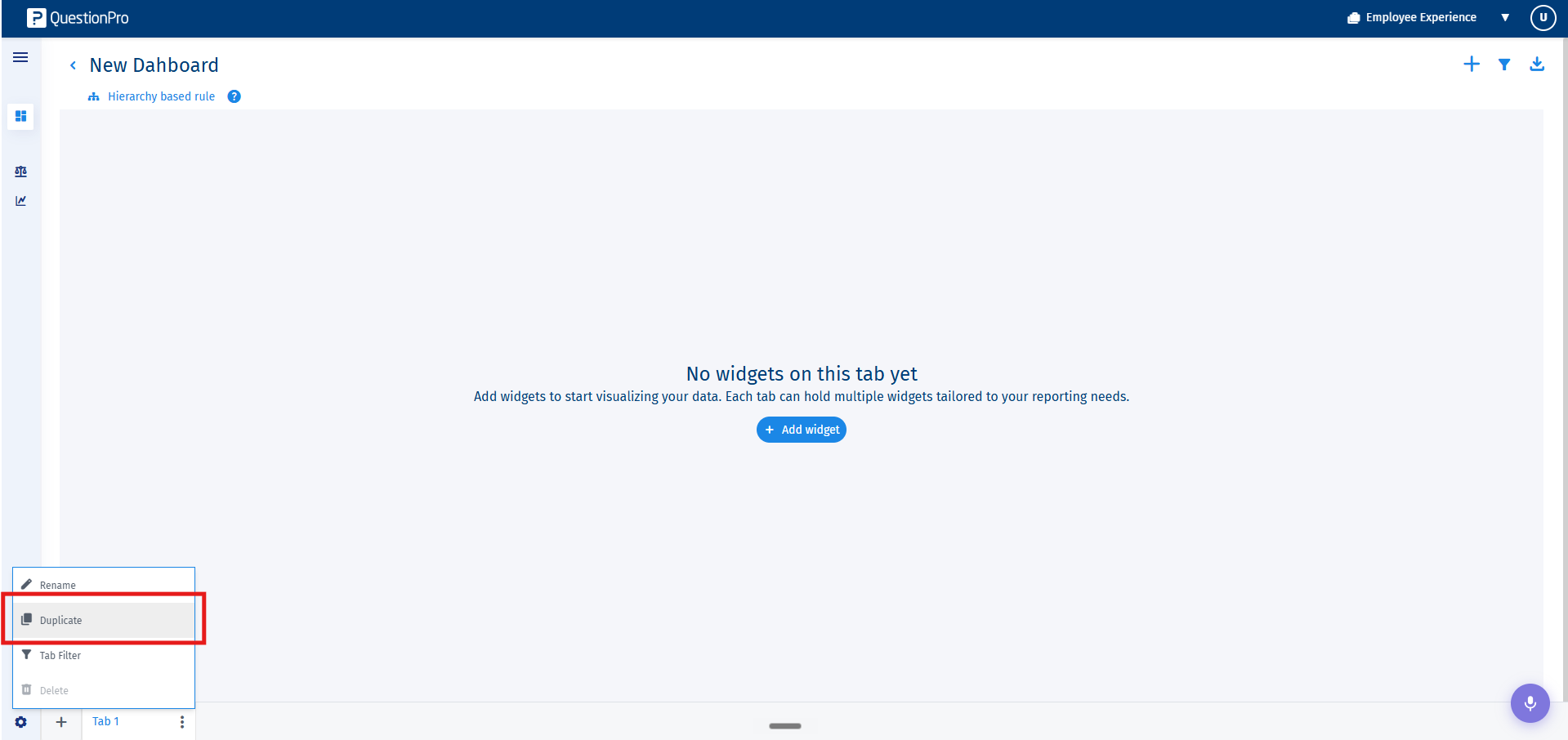
- Duplicating a Tab: Select Duplicate from the tab's 3-dot kebab menu to create an exact copy of that tab, retaining its full widget configurations and layouts.
- Reordering Tabs: You can intuitively change the arrangement of your tabs by executing a simple drag-and-drop movement.
- Deleting a Tab: Select Delete from the kebab menu. A confirmation prompt will appear before deletion.
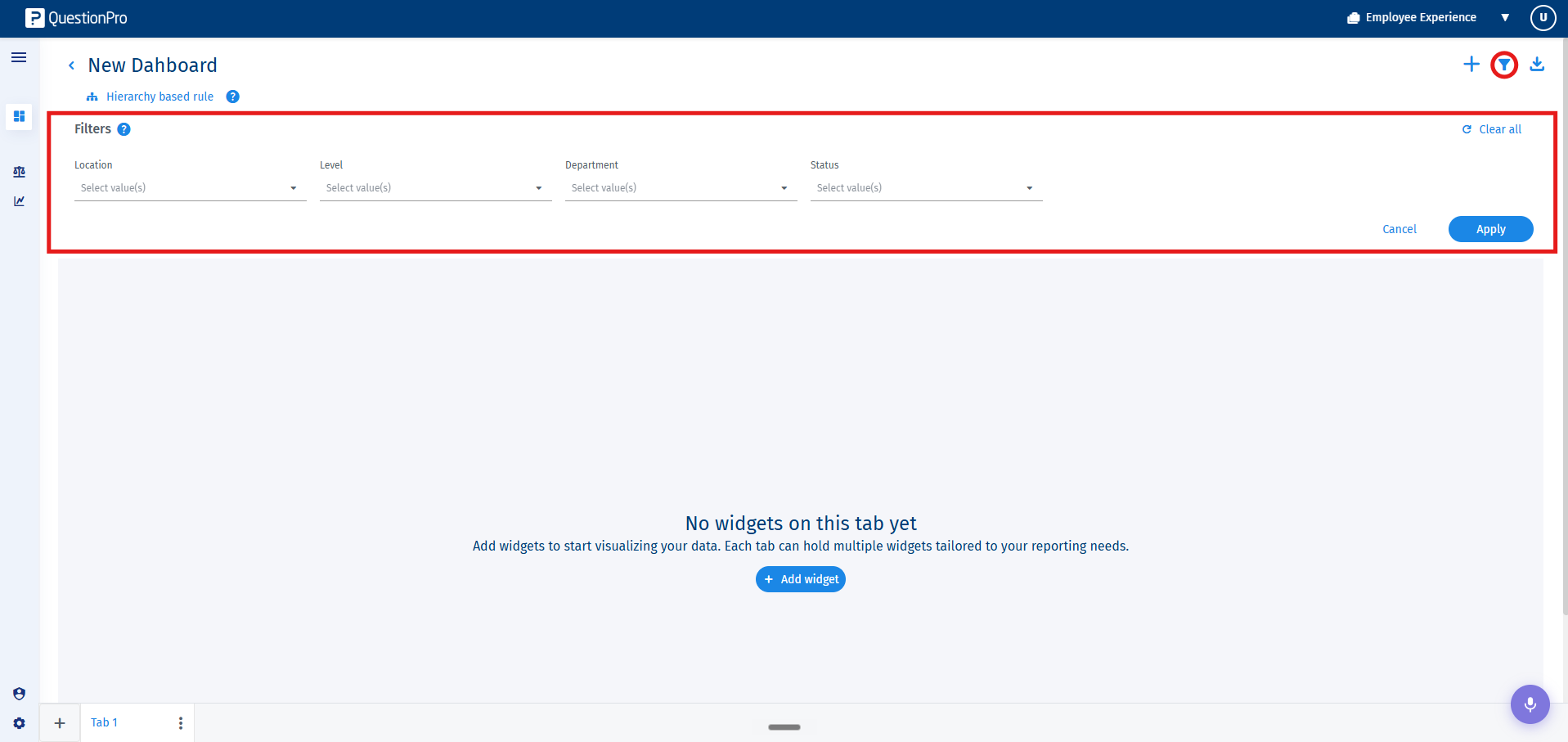
The multi-tab dashboard implements a 3-layer filter hierarchy: Dashboard Filters → Tab Filters → Widget Filters. This allows granular control over data views without affecting global parameters:
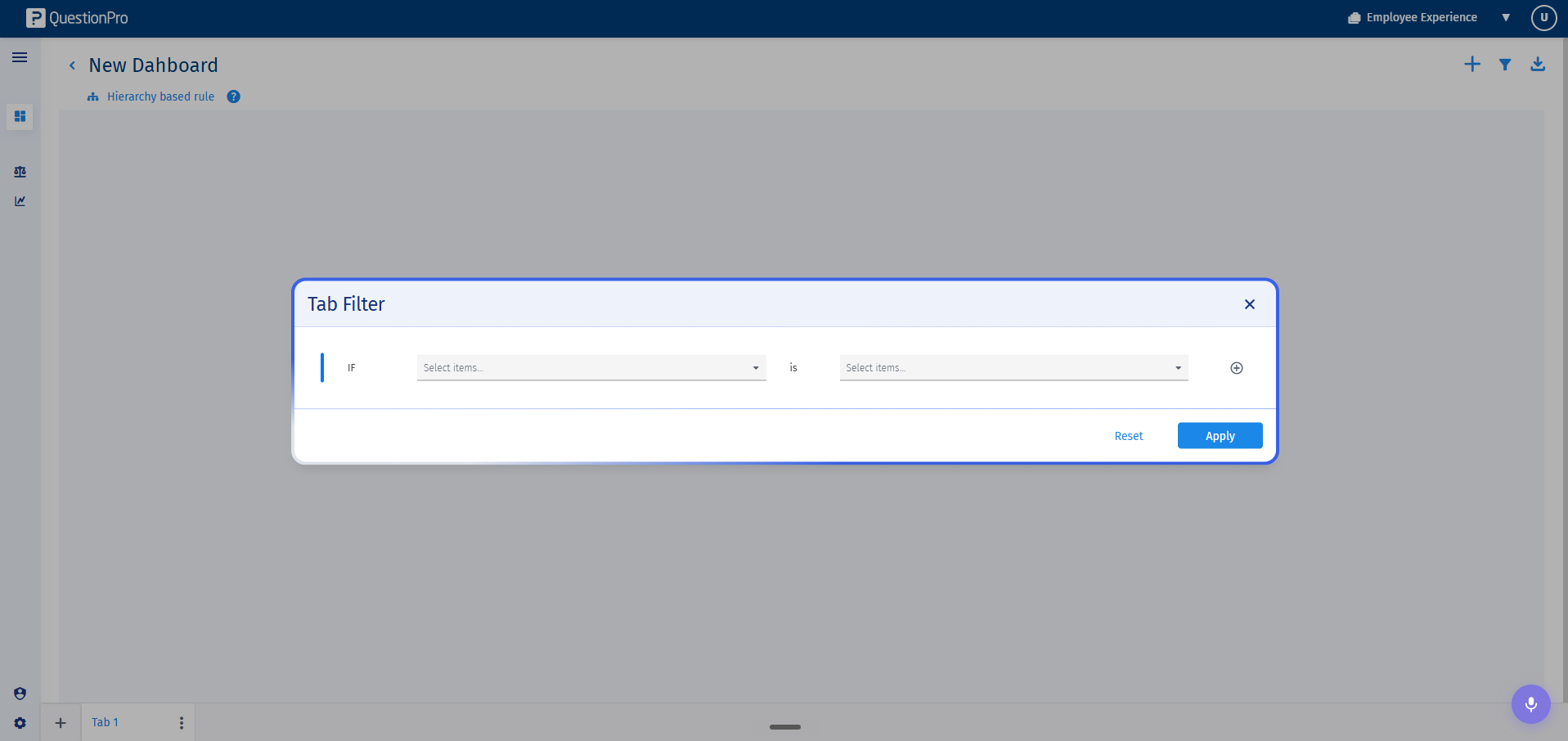
- Tab-Level Filters: To configure filters unique to a single tab view, click the 3-dot kebab menu on the tab and choose Tab filters. This opens a dedicated setup modal. When active, these filters display directly inline under a This tab label.
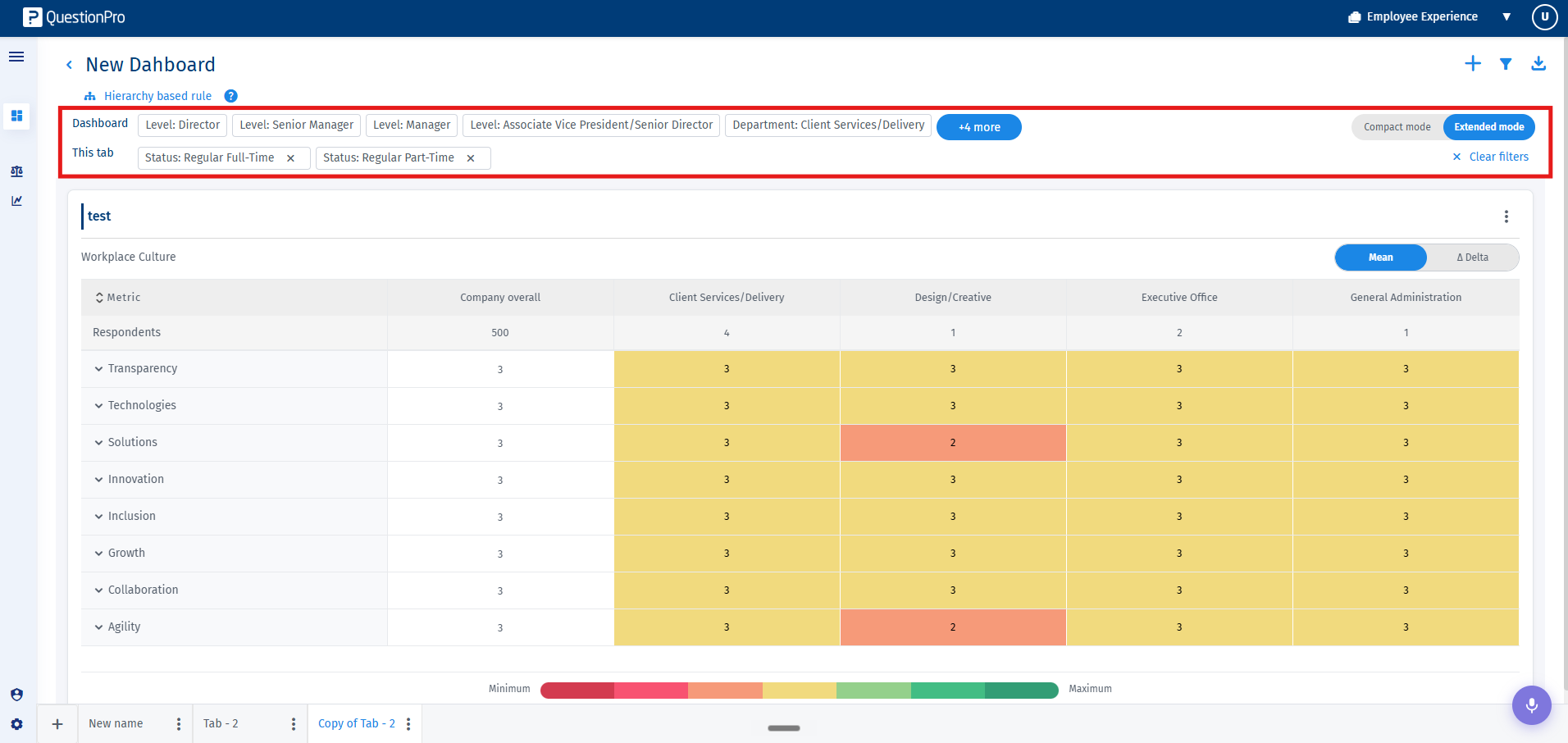
- Dashboard-Level Filters: These filters cascade across every single tab inside the unit automatically. They appear inline with a clear Dashboard label. Because they apply globally, they cannot be removed from within individual tabs; you must edit them via the primary filter options on the dashboard toolbar.
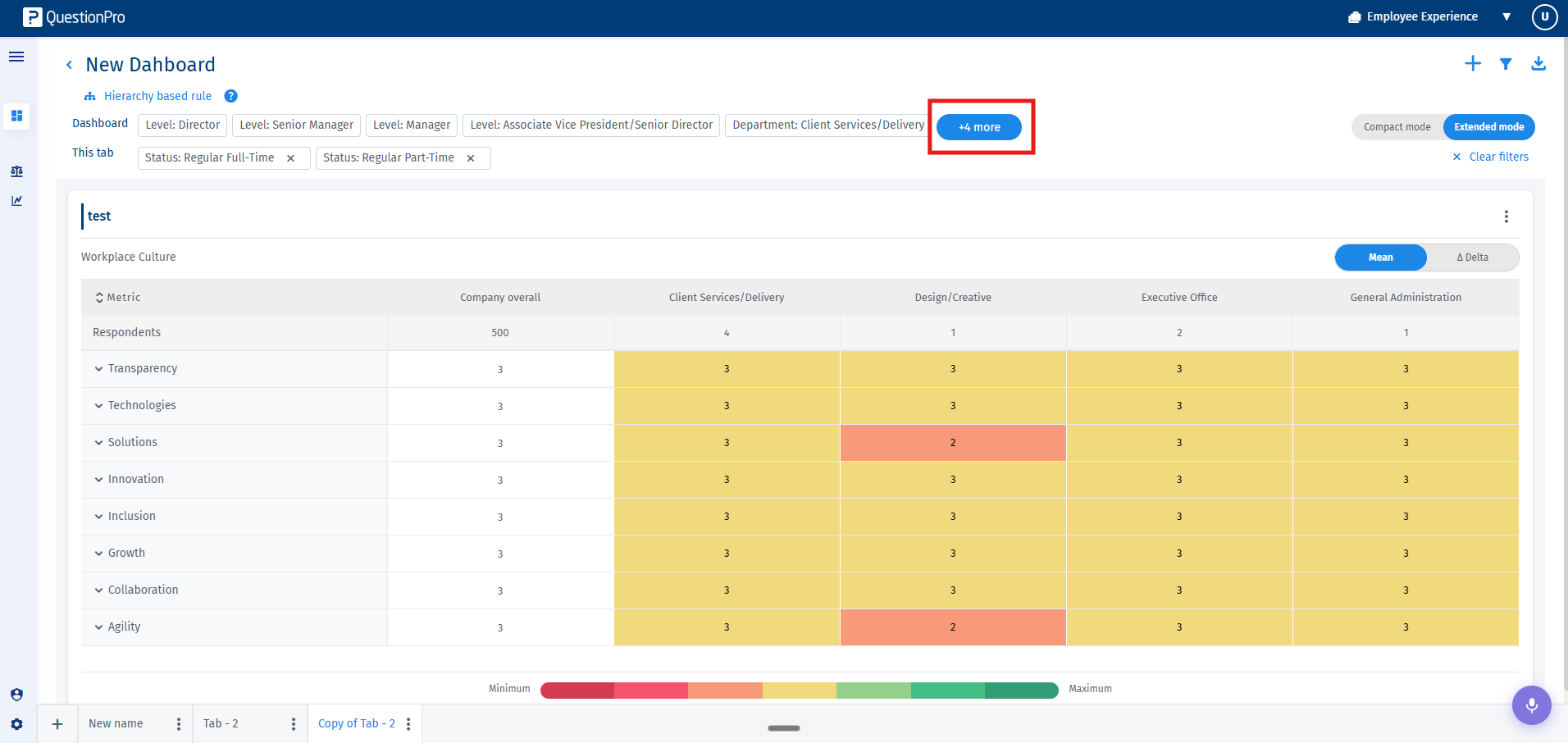
- Overflow Management: If the number of active filters exceeds your horizontal screen real estate, an overflow pill labeled +n more collapses them. Click this pill to trigger Show all, and click Show less to contract it.
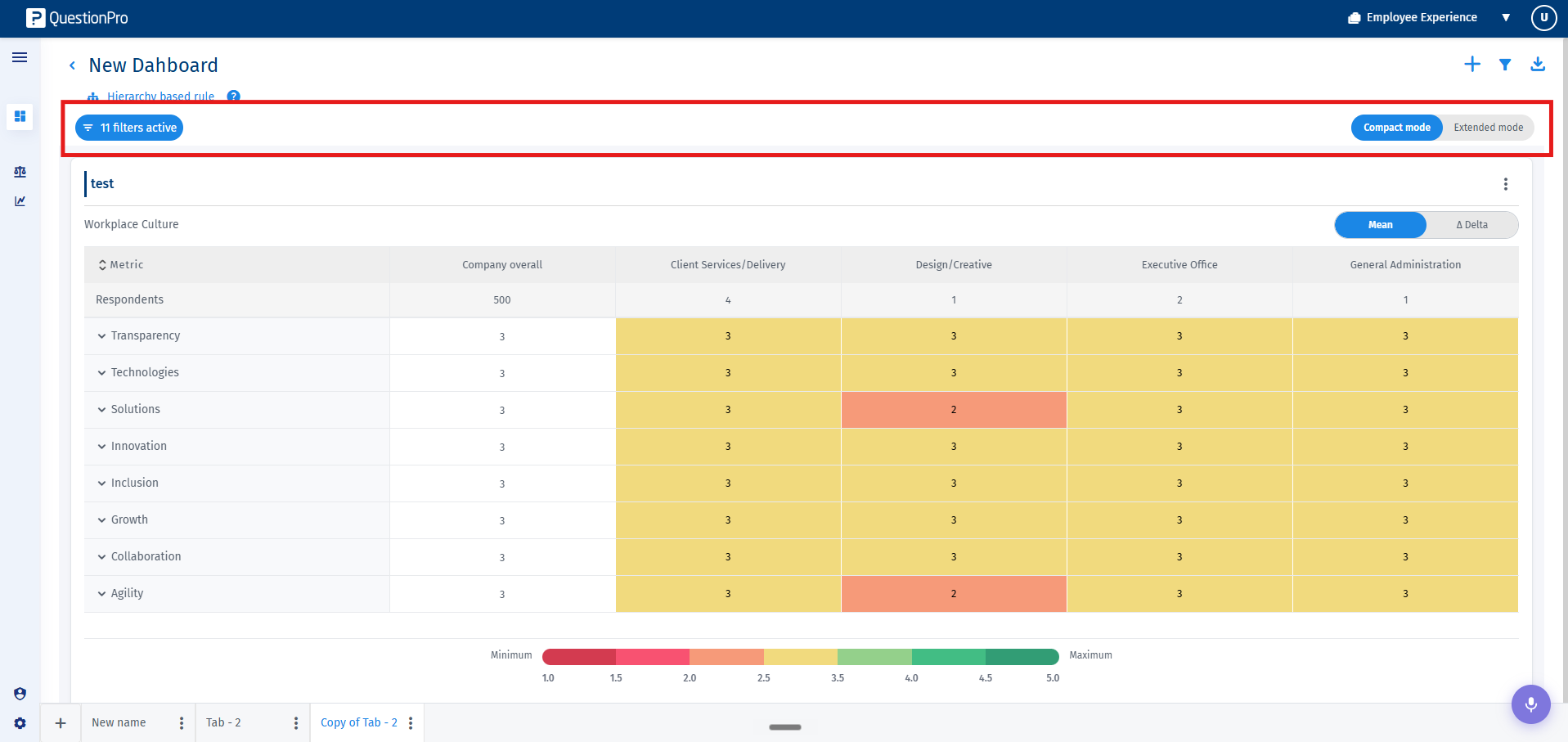
- View Modes: When both global Dashboard filters and Tab filters are running simultaneously, you can toggle your view:
- Extended View: Maps dashboard and tab filters out on separate, fully labeled rows.
- Compact View: Compresses them into a single X filters active summary pill to save layout space.

When a multi-tab dashboard is shared, it is transmitted entirely as a single unit including all its tabs. However, to preserve administrative configurations, standard viewers have a specific permissions scope:
- Restricted Editing Actions: Viewers do not have permission to add, edit, duplicate, reorder, or delete tabs, nor can they add, edit, or delete widgets.
- Personalized Views: Shared dashboard viewers always start with clean, unfiltered tabs the first time they log in. They can apply, alter, and clear filter rules to build their personal analytics views, which are saved automatically for subsequent sessions without disrupting other users.
- Secure Data Masking: All data returned is strictly bounded by the viewer's hierarchy and access rules. If a viewer does not have organizational clearance or access rights to underlying data targeted inside a tab, the platform suppresses the content and reveals a hidden eye icon state rather than triggering an empty error block.
